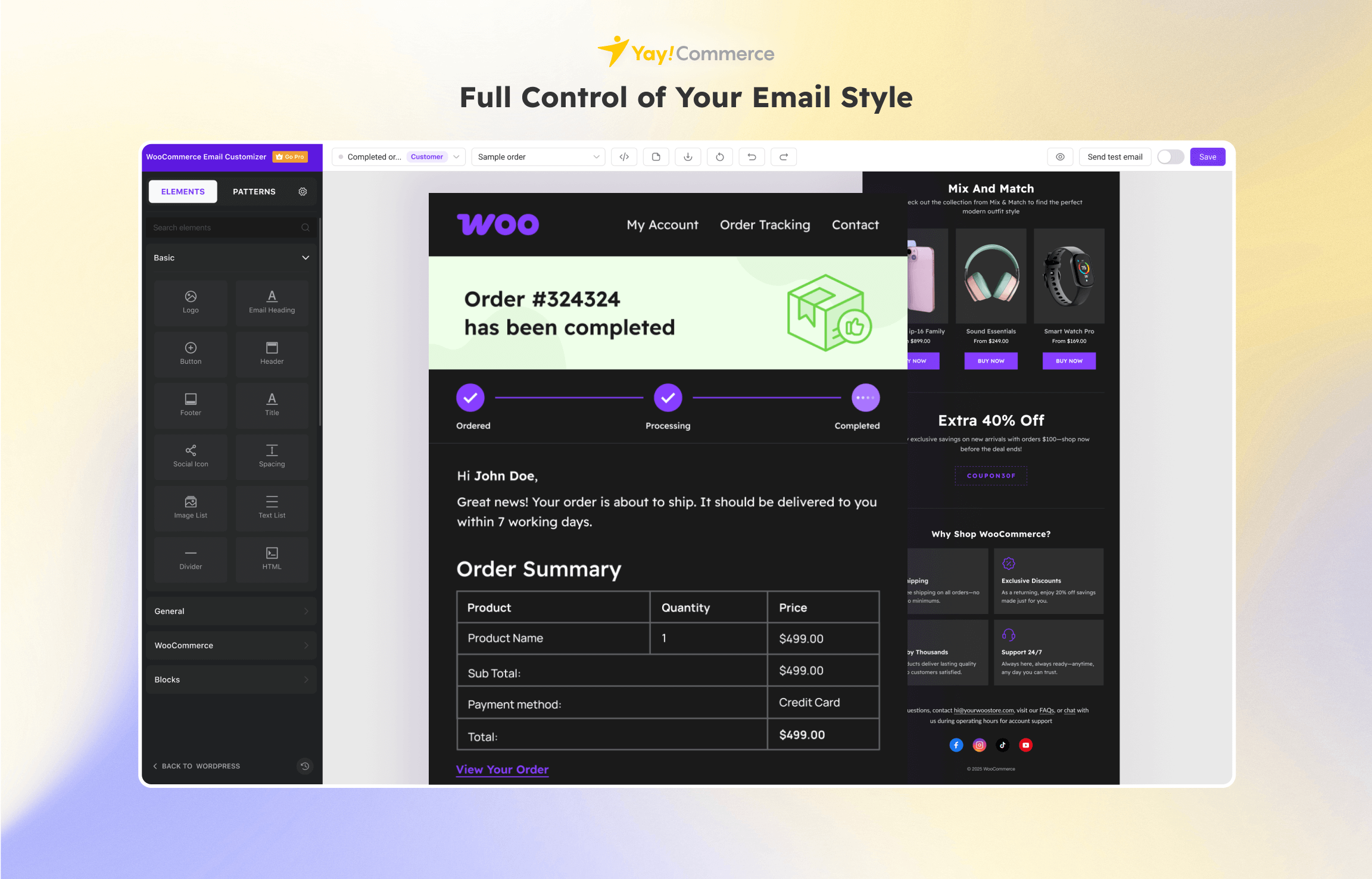
Plugin Elementor Pro v4.0.4
With Elementor Pro, you can easily create beautiful and stunning website pages without any technical knowledge. This powerful plugin comes with a live drag-and-drop editor that makes it easy for anyone to build pages quickly and easily. Plus, its integration with popular marketing tools like MailChimp, ConvertKit, Zapier, GetResponse, etc. makes marketing your site easier than ever.
Core Features of Elementor Pro Plugin
- Drag n Drop editor
- Front-end editor
- Live preview
- No harmful effects on site performance
- Allows to import and export templates
- Support of 35+ pre-built templates
- Multiple marketing tools and plugins support
- Multiple typography options
- Enables the place of inline elements
- Font Awesome icons support
- Permits to build mobile-responsive pages
- Landing page builder
- Popup Builder
- Schema markup support for the rating system
- Drag and Drop theme builder
- Allows to create custom post templates
- Can build creative 404 and search pages also
- Slider support
- 3rd party widget support
- Light-weight plugin
- Integration with popular SEO plugin – Yoast SEO
- Google fonts support
- Price Table & Price List
- Slides & Carousels
- Global Widget
- Sticky Elements
- Embed Anywhere
- Custom Field Integration
- 200+ Pro Templates
- Live Custom CSS
- Custom Fonts
- Adobe Fonts
- Dynamic Content
- Role Manager
What’s New (Changelog) in Elementor Pro v4.0.4
4.0.4 - 2026-04-28
- Fix: Flexbox and Div Block do not work with display conditions - Atomic Editor
- Fix: Custom CSS editor not editable in RTL websites - Atomic Editor
1. Download Plugin WordPress
Download plugin yang ingin diinstall dalam format .zip.
Buka Member area:
Pastikan file masih berbentuk .zip dan belum diekstrak.
2. Masuk ke File Manager
Di dashboard cPanel:
- Klik File Manager
- Masuk ke folder:
public_htmlLalu buka folder:
wp-content/pluginsFolder ini adalah tempat semua plugin WordPress disimpan.
3. Upload Plugin
Di dalam folder plugins:
- Klik tombol Upload
- Pilih file plugin
.zip - Tunggu hingga upload selesai 100%
4. Extract File Plugin
Setelah upload selesai:
- Kembali ke File Manager
- Cari file
.zipplugin tadi - Klik kanan → Extract
- Klik Extract Files
Nantinya akan muncul folder plugin baru.
5. Aktifkan Plugin di WordPress
Sekarang buka dashboard WordPress:
domainanda.com/wp-adminLalu:
- Masuk menu Plugins
- Cari plugin yang baru diupload
- Klik Activate
Selesai, plugin sudah aktif.
Komentar
0Belum ada komentar
Jadilah yang pertama memberikan komentar!
Produk Terkait

Plugin Yoast SEO Premium v27.6

Plugin WP Rocket v3.21.3
Plugin Rank Math Pro v3.0.113